


Insta360 X5 Screen Protector
Insta360 X5 Screen Protector
- Brand: Insta360
- MPN: 6977644761915
- Part #: CAAINS61915
- UPC: 842126111501
View all shipping info


- Brand: Insta360
- MPN: 6977644761915
- Part #: CAAINS61915
- UPC: 842126111501
Features
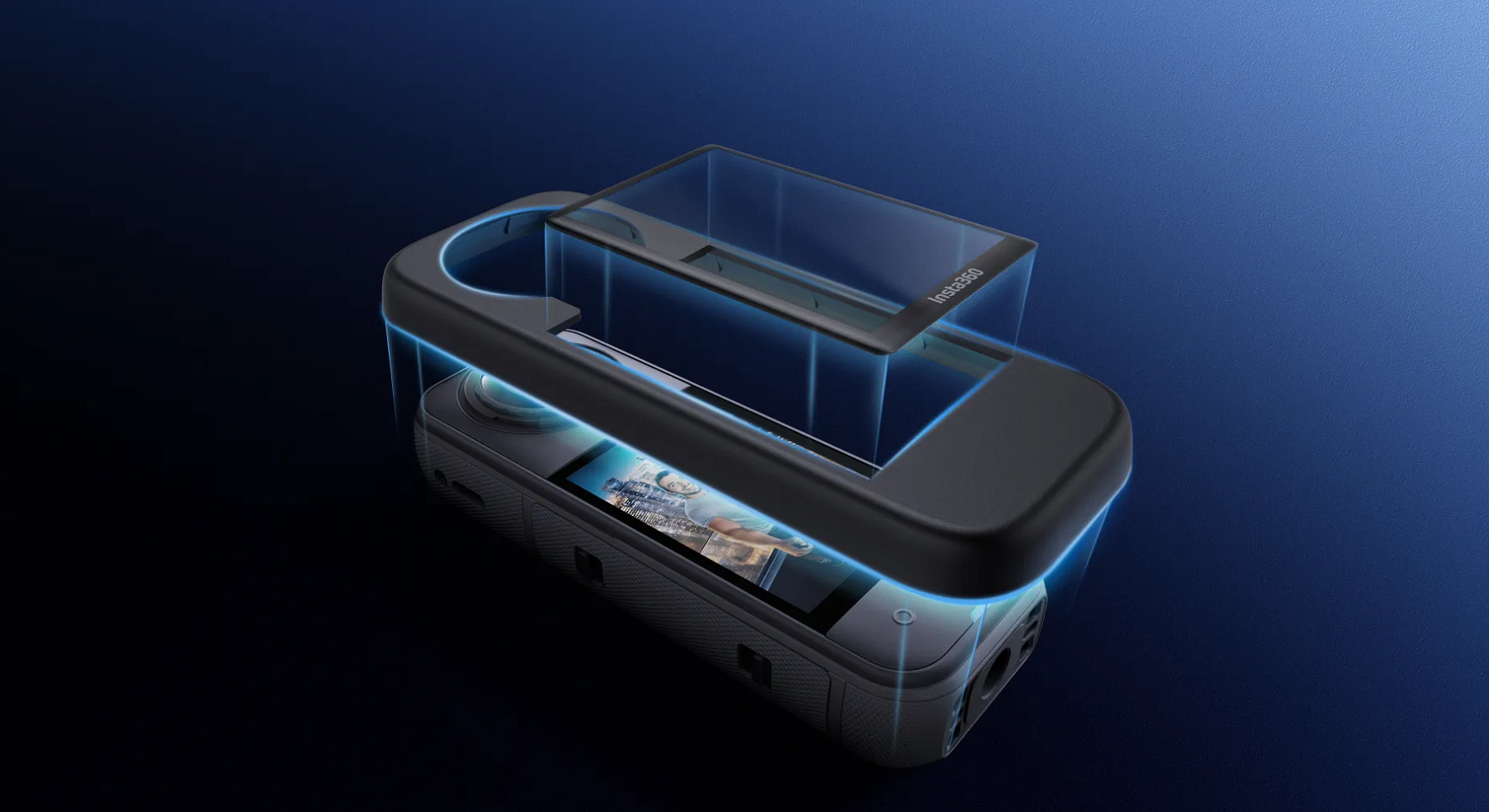
- Custom design provides full-screen coverage with edge-to-edge protection.
- Crafted from extra-strong tempered glass.
- Maintains the clarity and color of the touchscreen.
- Upgraded Protector Application Kit for easy, bubble-free installation.
Screen Protector
World-class protection without compromising on touchscreen usability.
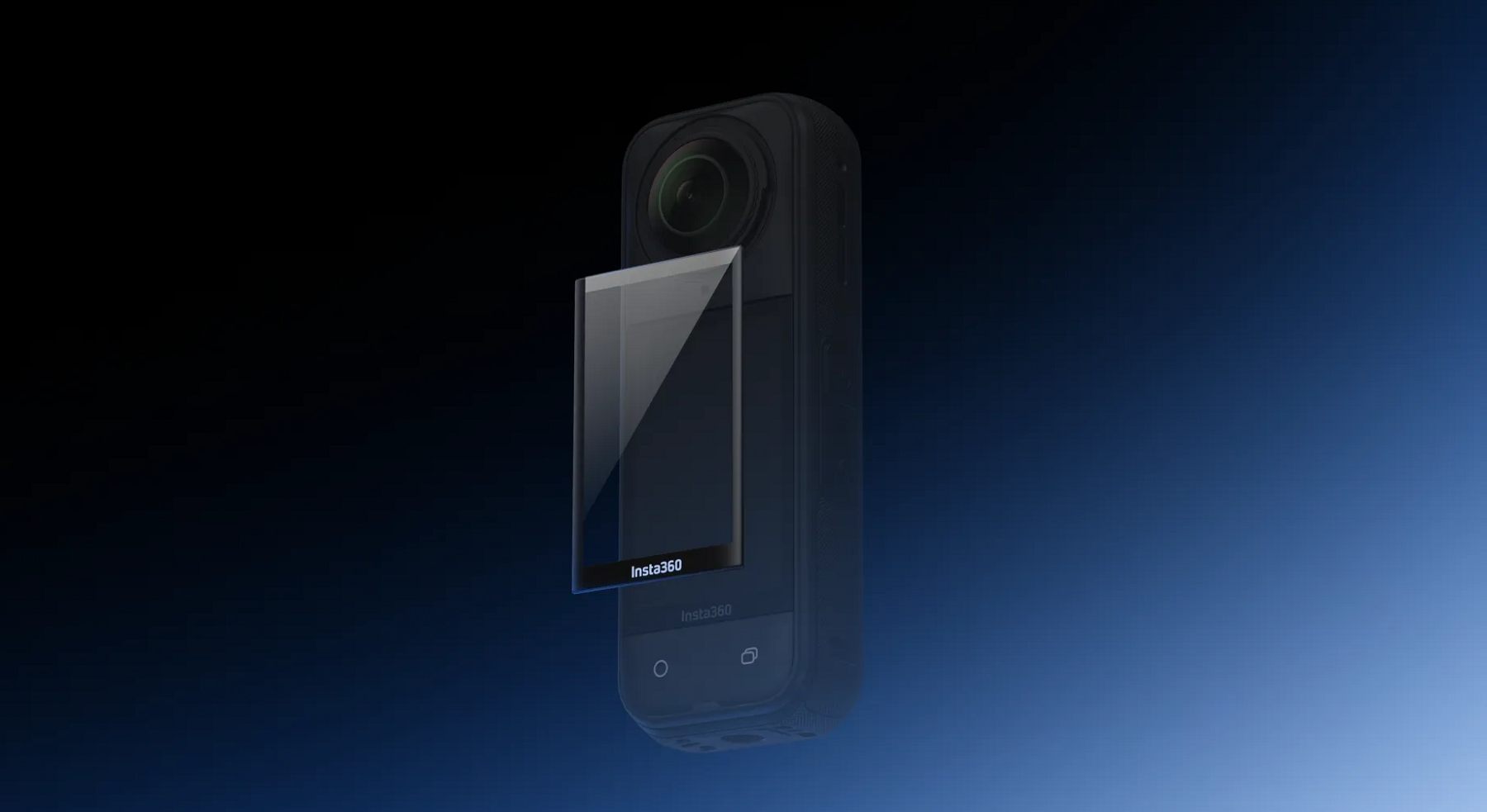
Curved for the perfect fit
Seamless edge-to-edge coverage prevents dirt and dust from damaging the screen.
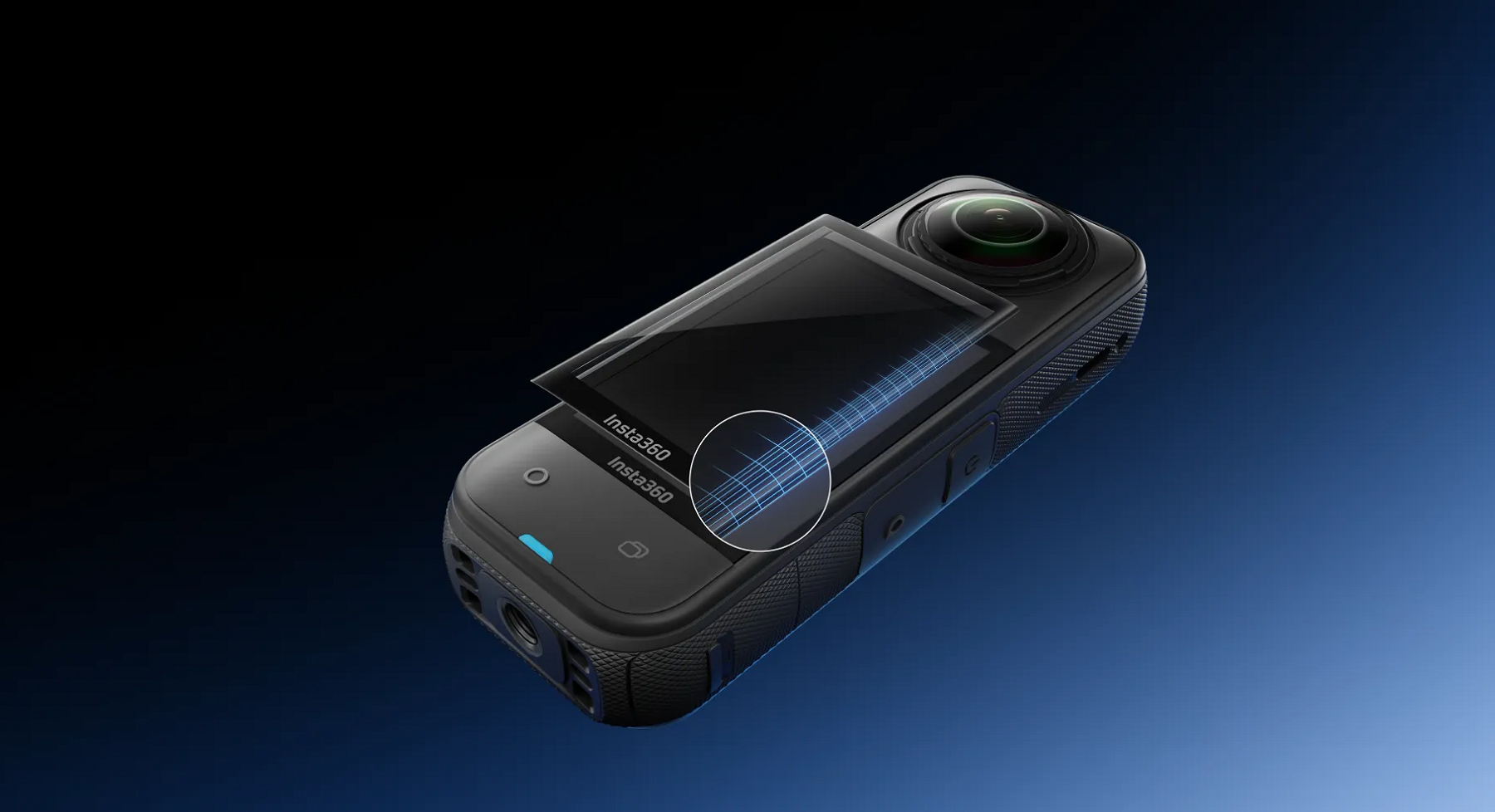
Premium protection
Made with scratch- and shatter-proof tempered glass for worry-free shooting.
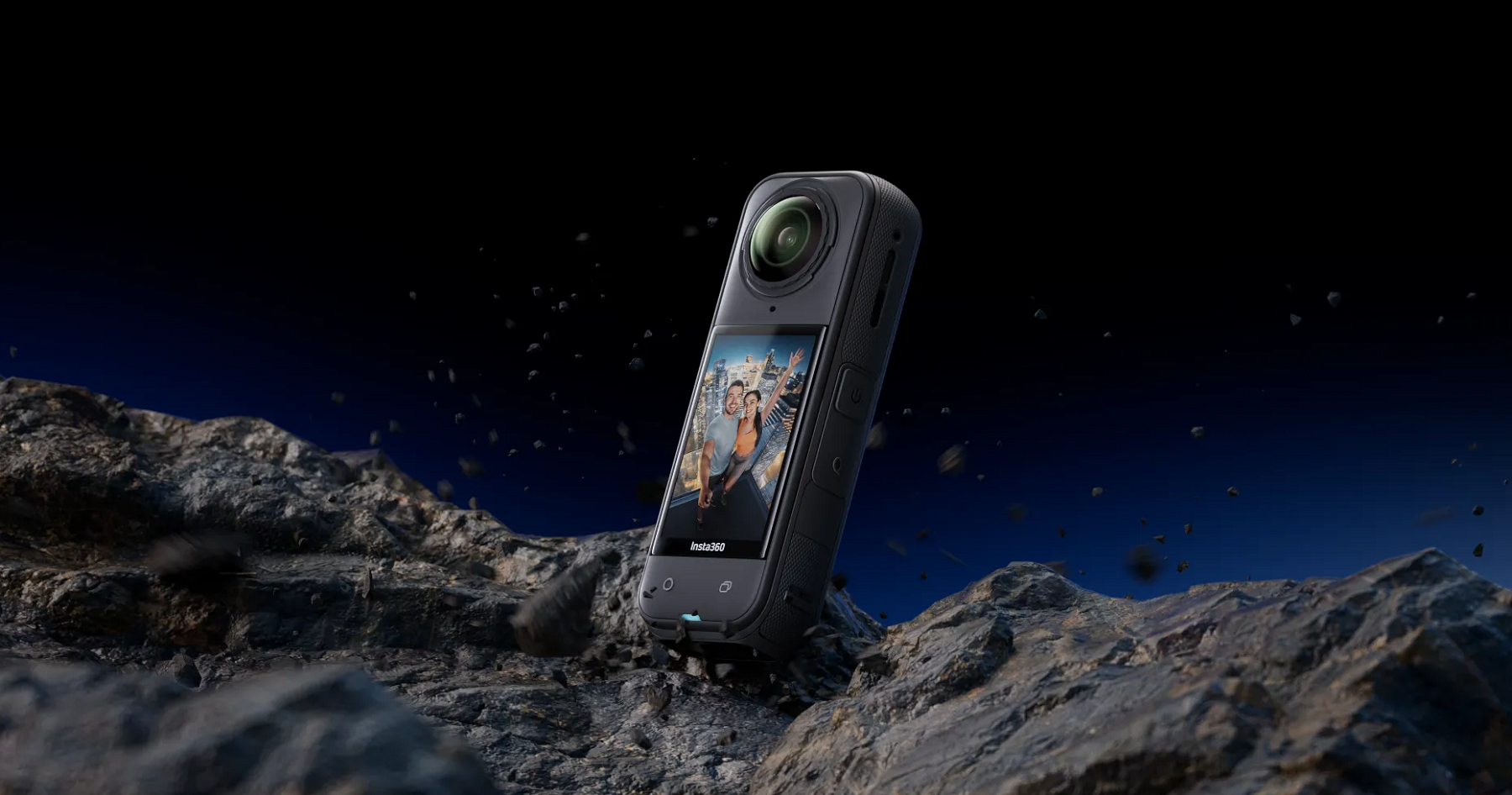
Like wearing nothing at all
No reduction to visual clarity or touch sensitivity after application.
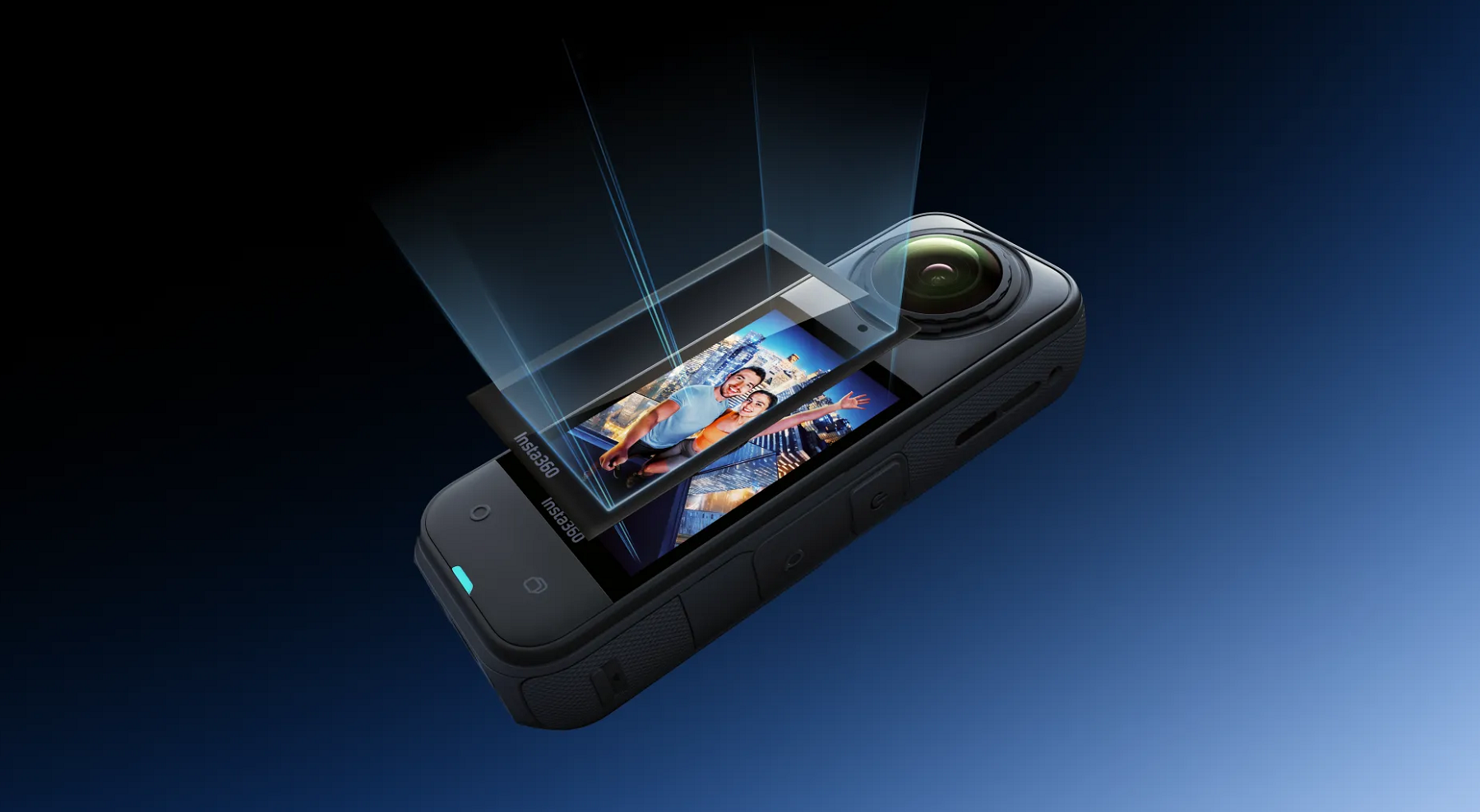
Easily install with Protector Application Kit
The Protector Application Kit allows for perfectly aligned, bubble-free installation.
How to Use
1. Clean the touchscreen with the screen cleaning wipe and screen cloth. Use the dust removal sticker to ensure the touchscreen is clear from dirt and grease.
2. Position the alignment tool in line with the touchscreen.
3. Remove the film from the screen protector, then position the screen protector over the touchscreen using the alignment tool. Ensure the "Insta360" end of the screen protector is aligned with the "Insta360' end of the touchscreen. Carefully press the screen protector onto the touchscreen until it is covered, then remove the alignment tool.
Note: Avoid pressing down on the middle of the screen protector as it could trap air bubbles underneath.
4. Remove air bubbles: Scrape from the lens end of the screen protector towards the "Insta360" end until the air bubbles are completely removed.
Notes
1. When removing air bubbles, scrape from the lens end of the screen protector towards the "Insta360" at the bottom.
2. Do not reuse a screen protector. Any particulate matter collected on the screen protector may cause air bubbles and reduce adhesiveness.
3. If the screen protector moves during installation, use the film removal stick to remove it and repeat the steps in the How to Use section. Do not completely remove an installed screen protector.
Specifications
Reviews
Delivery & Pick-up
 .
.
Shipping Costs
Shipping costs vary based on your location and the items being shipped and in some cases shipping may even be FREE.
To calculate what the shipping costs will be for your order, add the items you are interested in to your cart, view the Shopping Cart page, and select your 'Delivery Area' to calculate the shipping cost.
Shipping Security and Insurance
All orders shipped by PB Tech are sent via a courier with a signature required for each delivery. In some cases, and only where you have given the courier company permission to leave orders at a designated location, your order may be delivered without requiring a signature. All orders sent by PB Tech are fully insured in the unlikely event that your item(s) are damaged or go missing in transit.
Delivery Estimates
The delivery time-frame (in days) for each product we sell is detailed on the individual product page just to the right of the main product image. From when you place your order, for DHL express delivery in-stock products typically arrive within 2-3 working days for metro areas and 3-5 working days for rural areas. For Standard delivery in-stock products typically arrive within 3-7 working days for NSW, VIC, ACT, QLD and SA deliveries and 5-10 working days for WA, TAS and NT.
Overseas Shipments
If you are located in New Zealand, you can order directly from our New Zealand site www.pbtech.co.nz. If you are from another country you can order from www.pbtech.com
Returns & Warranty
Popular Cleaning & Protection

 Insta360 GO Ultra Screen Protector

 Insta360 X5 Premium Lens Guards

 Insta360 X5 Cooling Screen Protector

 Insta360 X5 Lens Cap

 Insta360 Lens Cap for X4


Insta360 X5 Screen Protector
- Brand: Insta360
- MPN: 6977644761915
- Part #: CAAINS61915
- UPC:842126111501
Product URL: https://www.pbtech.com/au/product/CAAINS61915/Insta360-X5-Screen-Protector
Features
- Custom design provides full-screen coverage with edge-to-edge protection.
- Crafted from extra-strong tempered glass.
- Maintains the clarity and color of the touchscreen.
- Upgraded Protector Application Kit for easy, bubble-free installation.
Screen Protector
World-class protection without compromising on touchscreen usability.
Curved for the perfect fit
Seamless edge-to-edge coverage prevents dirt and dust from damaging the screen.
Premium protection
Made with scratch- and shatter-proof tempered glass for worry-free shooting.
Like wearing nothing at all
No reduction to visual clarity or touch sensitivity after application.
Easily install with Protector Application Kit
The Protector Application Kit allows for perfectly aligned, bubble-free installation.
How to Use
1. Clean the touchscreen with the screen cleaning wipe and screen cloth. Use the dust removal sticker to ensure the touchscreen is clear from dirt and grease.
2. Position the alignment tool in line with the touchscreen.
3. Remove the film from the screen protector, then position the screen protector over the touchscreen using the alignment tool. Ensure the "Insta360" end of the screen protector is aligned with the "Insta360' end of the touchscreen. Carefully press the screen protector onto the touchscreen until it is covered, then remove the alignment tool.
Note: Avoid pressing down on the middle of the screen protector as it could trap air bubbles underneath.
4. Remove air bubbles: Scrape from the lens end of the screen protector towards the "Insta360" end until the air bubbles are completely removed.
Notes
1. When removing air bubbles, scrape from the lens end of the screen protector towards the "Insta360" at the bottom.
2. Do not reuse a screen protector. Any particulate matter collected on the screen protector may cause air bubbles and reduce adhesiveness.
3. If the screen protector moves during installation, use the film removal stick to remove it and repeat the steps in the How to Use section. Do not completely remove an installed screen protector.
Specifications
Brand
Insta360
Weight
2.8g (0.1oz)
Dimensions
61.1x39.3x0.8mm (2.4x1.6x0.03in)
Material
Tempered glass, PC film
Color
Clear
Compatibility
Insta360 X5
In the Box
1x Screen Protector
1x Alignment Tool
1x Film Removal Stick
1x Protector Application Kit (1x Screen Cleaning Wipe, 1x Screen Cloth, 1x Dust Removal Sticker)
1x Scraper
