


Samsung Flip Pro WM85F 85" Digital Flipchart Touch Screen
Samsung Flip Pro WM85F 85" Digital Flipchart Touch Screen
- Brand: Samsung
- MPN: LH85WMFWLGCXXY
- Part #: MONSSM98505
- UPC:
View all shipping info

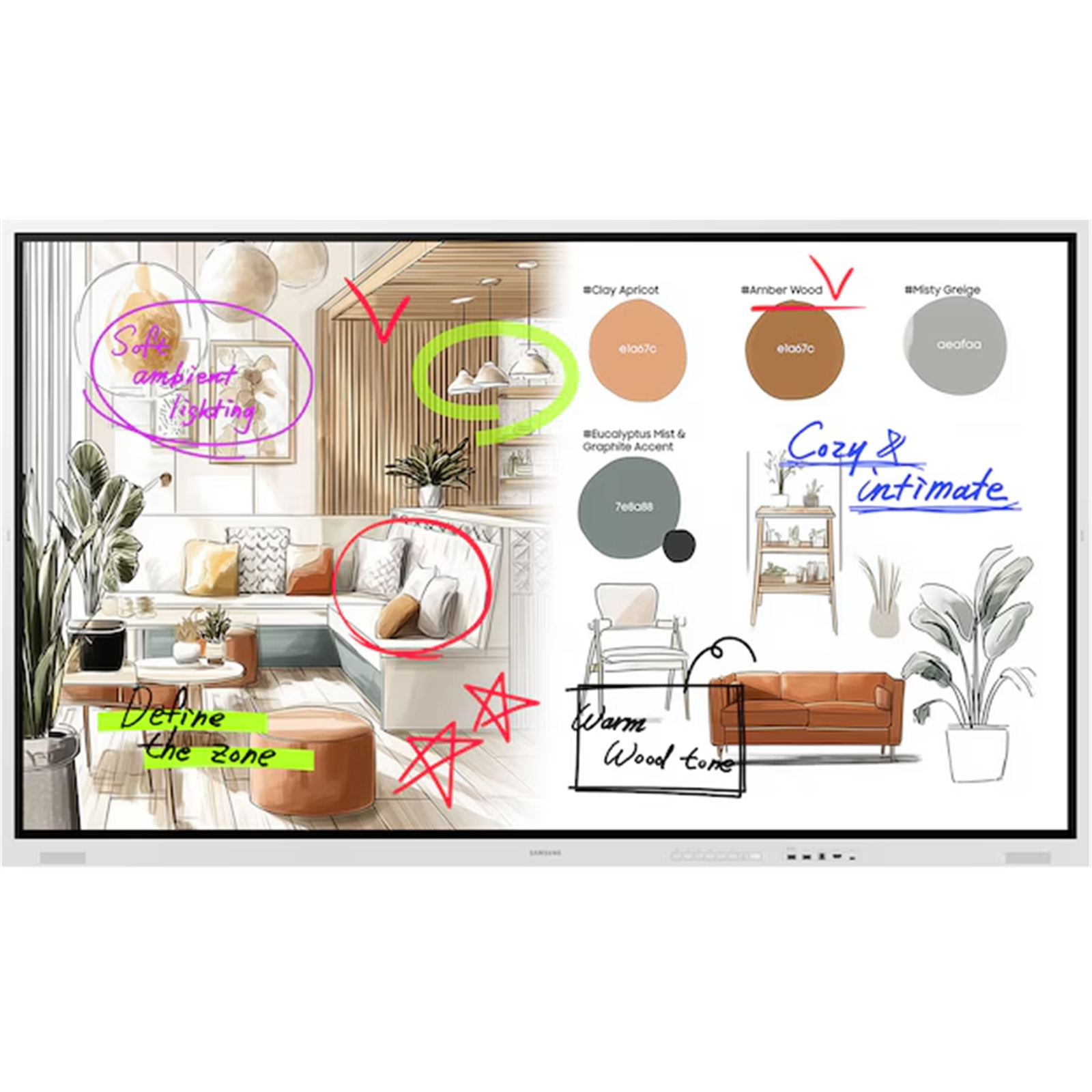

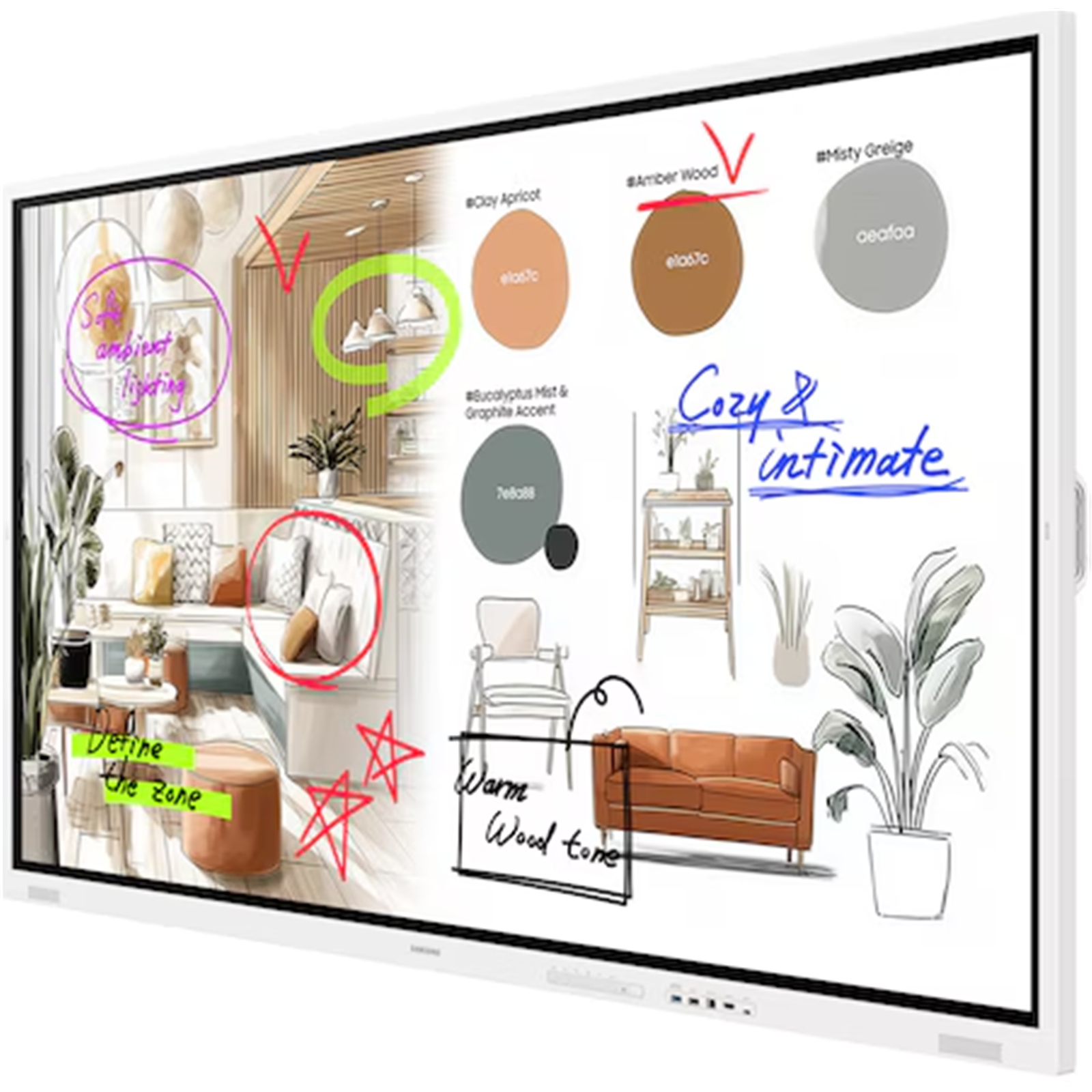
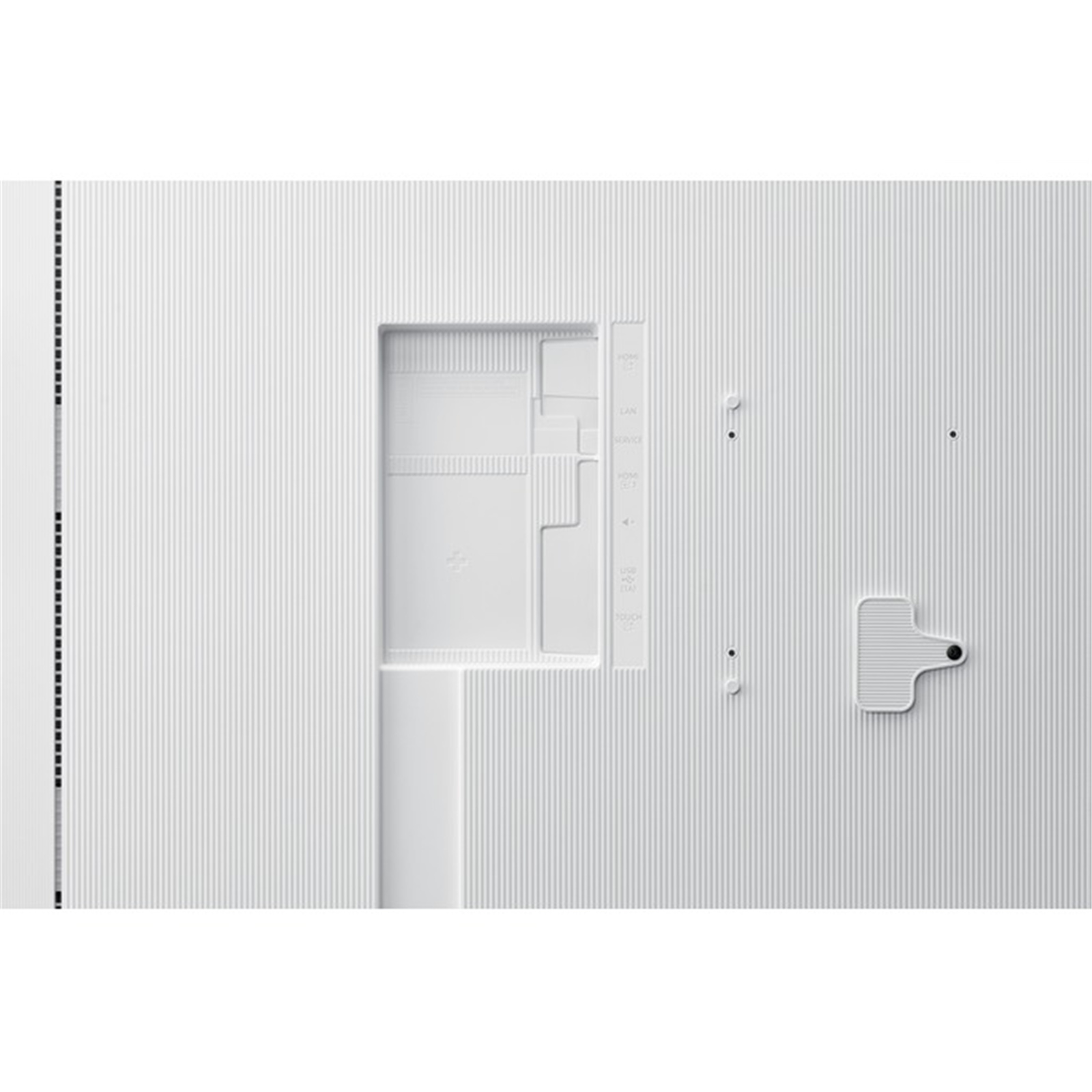
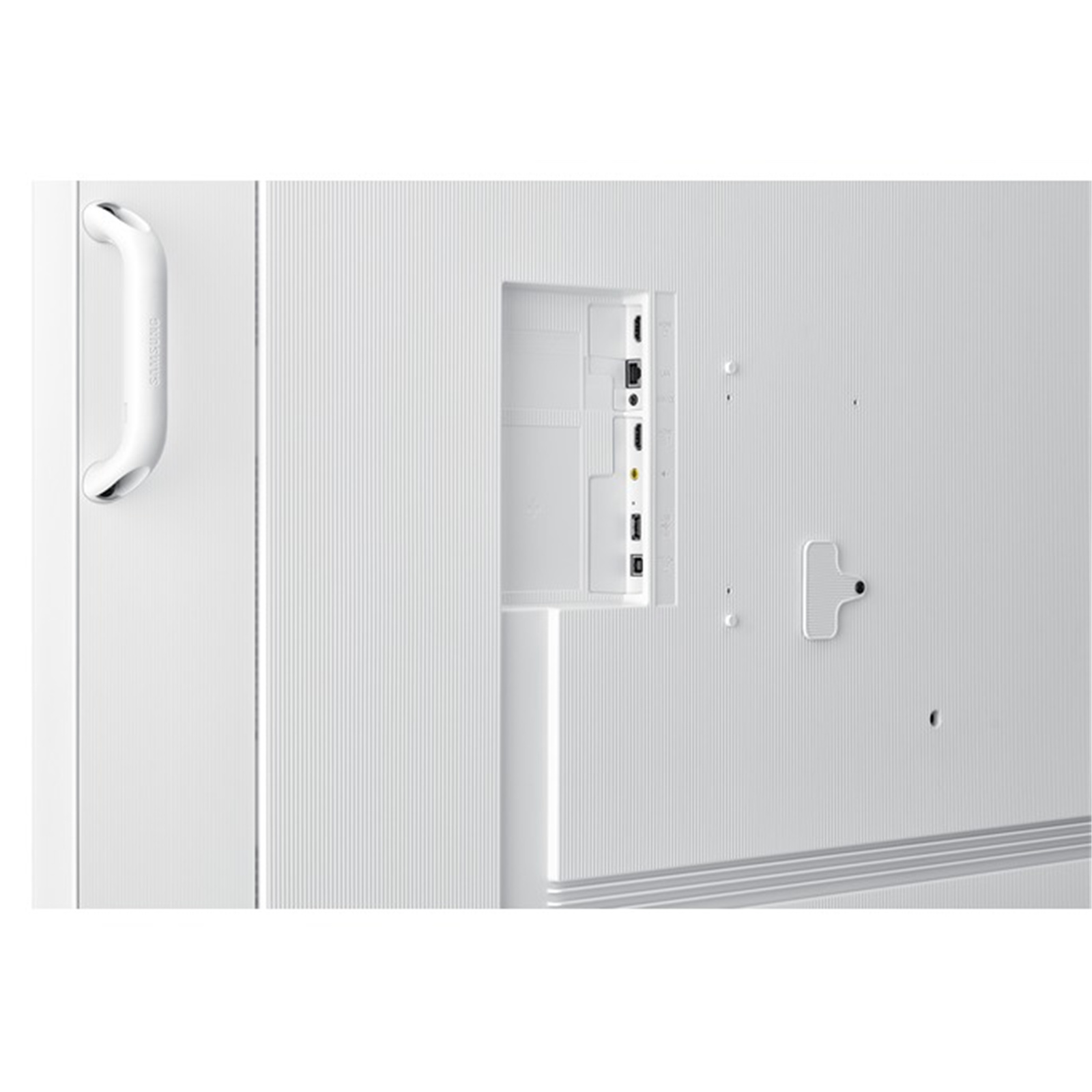

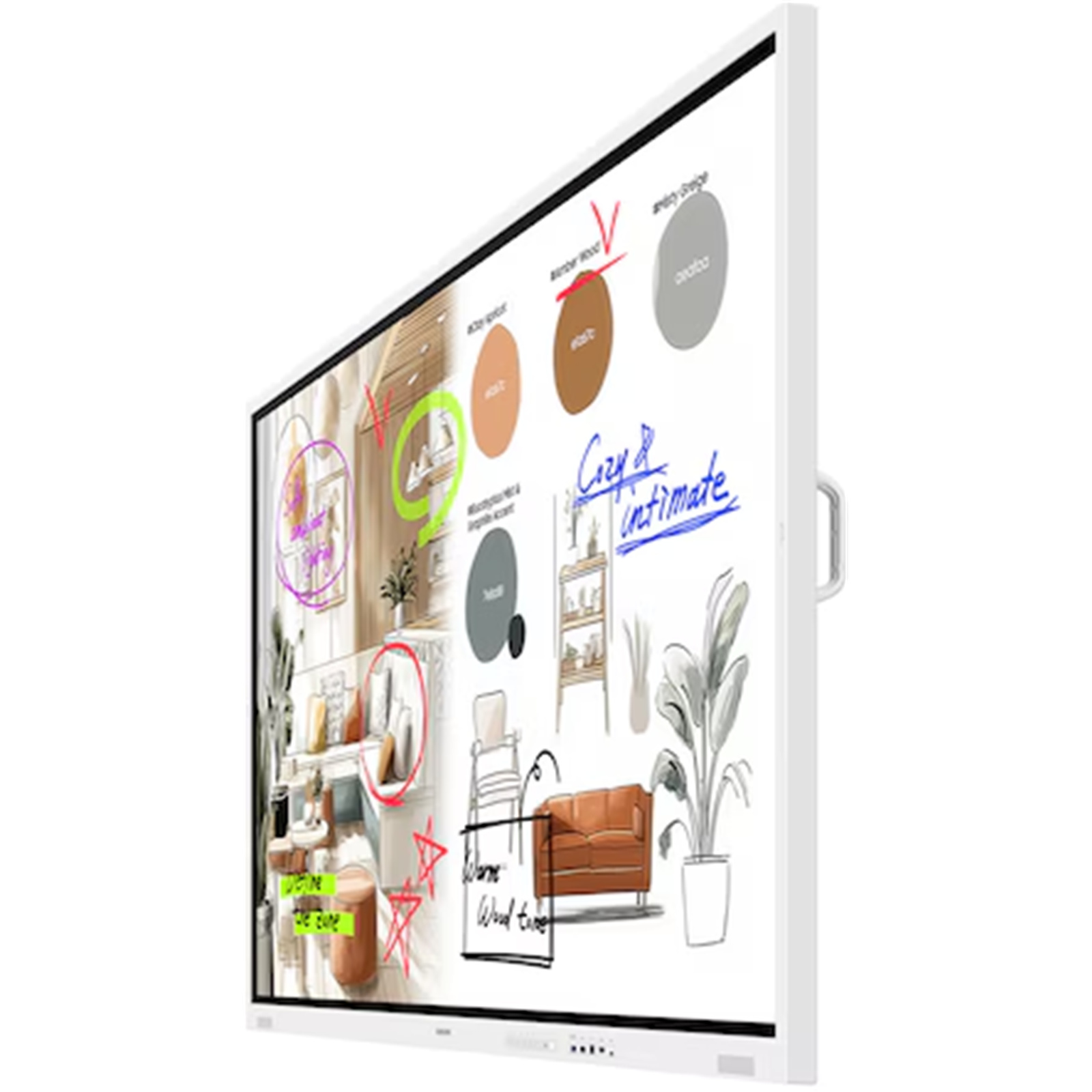

- Brand: Samsung
- MPN: LH85WMFWLGCXXY
- Part #: MONSSM98505
- UPC:
Features
Unlimited collaboration possibilities1

Key features at a glance

Experience writing at a higher standard - Natural & Precise Writing
The Flip offers smooth and accurate pen performance, bringing writing closer to real ink. With 26ms response speed and 2,048 pressure levels, strokes flow naturally, translating ideas instantly onto the screen. Flexible Erasing allows intuitive corrections with hand or palm, maintaining seamless flow.2

Share your ideas instantly and clearly - Enhanced Whiteboard
The enhanced Whiteboard App makes every note and sketch editable, enabling you to freely move or resize content with retained clarity and detail. The AI Writing Tool allows direct input of handwritten text into search fields and automatically refines rough shapes into clean, professional graphics.

Your favourite tools, all in one place - Flip Home
Flip Home keeps your frequently used apps - Whiteboard, Note On, Workspace, or Screen Share - right on the screen, exactly where you want them. Customise your toolbar once, and every meeting becomes smoother and more efficient, with quick access to the tools your team relies on.

Reliable performance and enterprise-grade protection - Samsung Knox Security
Keep every discussion and idea secure. Backed by Samsung Knox, The Flip provides multi-layered protection against unauthorised access and data leaks. From boot-up to shutdown, critical business content stays safe, allowing teams to collaborate with confidence - even in connected environments.

Take notes instantly, anywhere on the screen - Annotation On
Users can quickly write on the screen at any moment, thanks to the easily accessible Annotation function. Whether watching a video or browsing online, there's no need to interrupt the session or take screenshots. This feature makes real-time collaboration effortless.

View more. Do more. - Easy Multitasking
Boost meeting efficiency with Easy Multitasking, displaying multiple windows on one screen. Multi-window modes let you review documents, browse the web, and take notes simultaneously - no screen switching needed.

Collaborate between screens with wire-free speed - SMARTVIEW+
Make collaboration seamless with wireless screen sharing across multiple devices ㅡ up to 9 ㅡ allowing you to quickly switch between them with a single click. 3

Present from any Apple device - no cables needed - AirPlay 2
With built-in AirPlay 2, Flip allows users to share content from their iPhone, iPad, or Mac in seconds - no adapters or setup required. Whether it's a quick idea sketch or a high-resolution presentation, The Flip brings it to the room seamlessly and wirelessly.

Seamless access to your work - Workspace
With Workspace, secured by Knox, users can easily access a remote PC, network drive, or cloud-based business applications like ㅡMicrosoft 365. This keeps teams connected to their resources and workflows, ensuring smooth collaboration and continuous productivity - even outside the office network.4

Clear and bright under challenging lighting - Anti-glare
The Flip's 450-nit brightness ensures vivid visibility even in well-lit spaces, while the anti-glare coating minimizes reflections for distraction-free collaboration. Whether in brightly lit meeting rooms or near windows, every detail remains easy to see and effortless to share.5

Slimmer. Sharper. More sophisticated. - Slim Design
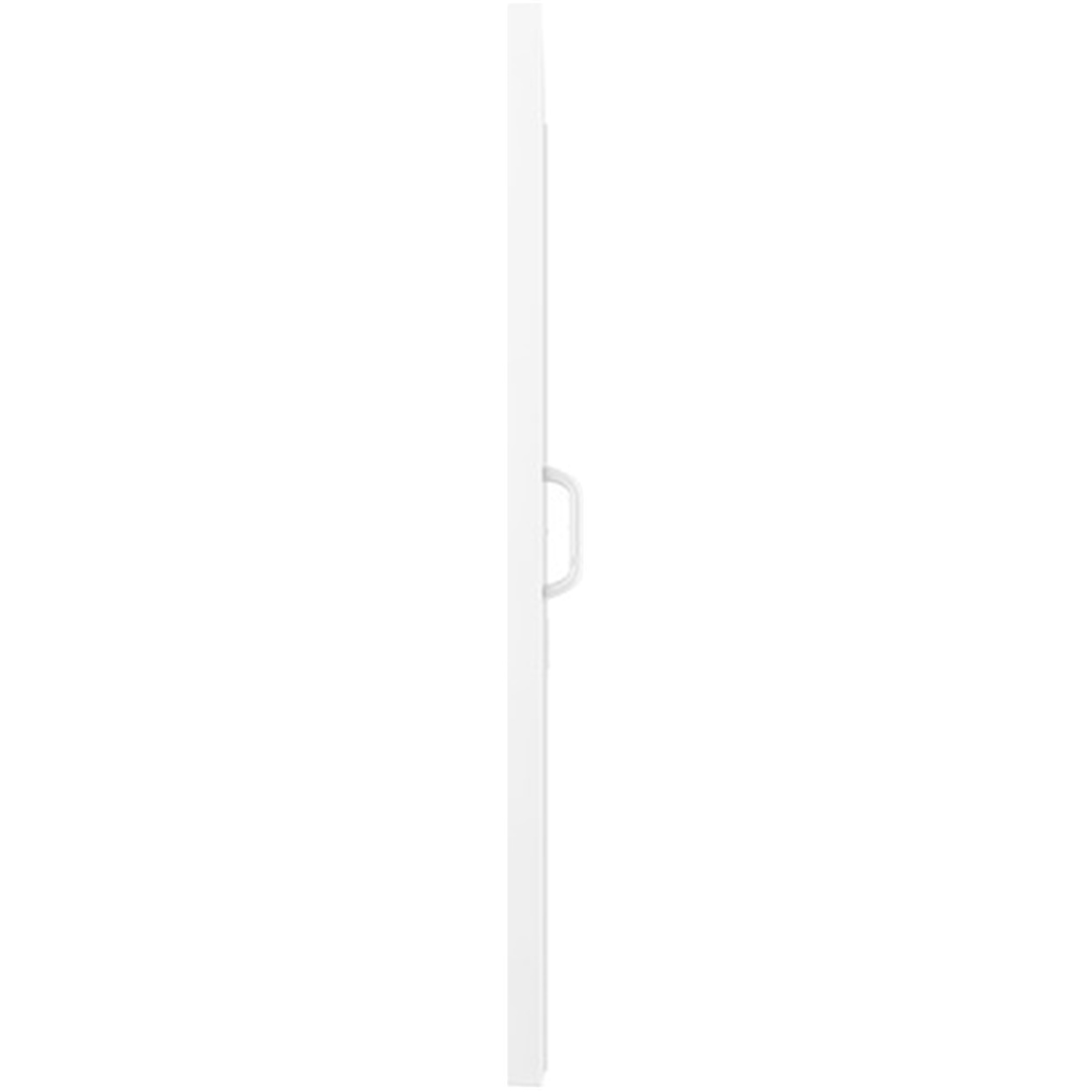
The Flip introduces a slim 43.5mm profile, redefining modern design for professional spaces. Its clean, minimal form blends naturally into any environment, reducing bulk while enhancing sophistication. 6

One connection for every device - USB-C Hub
The Flip's integrated USB-C hub simplifies your meeting setup. With a single connection, external devices like cameras or document readers can be shared between the Flip and a connected PC - no cable swapping or setup delays. Keep the focus on ideas rather than hardware.

Share your screen, expand your impact - HDMI Out
Make every presentation visible to the entire room with HDMI Out. Simply mirror the Flip's screen to a larger display or projector for wider viewing - ideal for larger meeting spaces or hybrid sessions. This ensures everyone stays engaged and aligned, no matter where they sit.7

Your familiar PC experience, now on the Flip - OPS (Open Pluggable Specification)
The built-in OPS slot allows the Flip to function as a Windows PC without requiring an external device. Teams can directly access familiar business applications and files on the display, ensuring a seamless transition between individual work and group collaboration.8

Change the way to manage your display - Samsung VXT
The cloud-based Samsung VXT brings together content management and remote device management capabilities. Remotely manage hardware settings and troubleshoot issues, while effortlessly creating and deploying content with no previous training needed.9

Empower your business with smart control - SmartThings Pro
SmartThings Pro integrates IoT connectivity into Samsung's digital signage, enabling seamless connection with other devices across business environments. From lighting to building systems, the signage joins a connected ecosystem - controlled, monitored, and automated through a single platform.10

1. * This is a staged image for illustrative purposes only.
2. * This is a staged image for illustrative purposes only.
3. * Windows, Android, and iOS are supported. ** Speed and stability may vary depending on various factors such as network connection environment and settings, and the number of connected devices.
4. * There may be restrictions depending on the service provider's policies. ** It is recommended to use Windows 11 Pro or a higher version for a more stable remote PC experience on Windows.
5. * This is a staged image for illustrative purposes only.
6. * Available on 75" and 85" models only
7. * This is a staged image for illustrative purposes only. ** The product design and stand compatibility may vary depending on the model.
8. * Available on 75" and 85" models only ** OPS module needs to be purchased separately.
9. * VXT is sold separately, and feature availability may vary by region. ** The actual UI may vary and is subject to change without prior notice.
10. * SmartThings Pro is sold separately, and feature availability may vary by region. ** The actual UI may vary and is subject to change without prior notice.
Specifications
Reviews
Delivery & Pick-up
 .
.
Shipping Costs
Shipping costs vary based on your location and the items being shipped and in some cases shipping may even be FREE.
To calculate what the shipping costs will be for your order, add the items you are interested in to your cart, view the Shopping Cart page, and select your 'Delivery Area' to calculate the shipping cost.
Shipping Security and Insurance
All orders shipped by PB Tech are sent via a courier with a signature required for each delivery. In some cases, and only where you have given the courier company permission to leave orders at a designated location, your order may be delivered without requiring a signature. All orders sent by PB Tech are fully insured in the unlikely event that your item(s) are damaged or go missing in transit.
Delivery Estimates
The delivery time-frame (in days) for each product we sell is detailed on the individual product page just to the right of the main product image. From when you place your order, for DHL express delivery in-stock products typically arrive within 2-3 working days for metro areas and 3-5 working days for rural areas. For Standard delivery in-stock products typically arrive within 3-7 working days for NSW, VIC, ACT, QLD and SA deliveries and 5-10 working days for WA, TAS and NT.
Overseas Shipments
If you are located in New Zealand, you can order directly from our New Zealand site www.pbtech.co.nz. If you are from another country you can order from www.pbtech.com
Returns & Warranty
Popular Interactive Displays

 Maxhub 21.5" Touch Smart All-in-One Lectern - 2-Mics Array - 2 x...

 Yealink MeetingBoard Pro - MCore-OPS-T - Teams Edition i5 11th...

 Commbox Classic S5 65" 4K Touch Screen

 Commbox i5 OPS - 8G , 256GB , 4K/60Hz , Win11 Pro


Samsung Flip Pro WM85F 85" Digital Flipchart Touch Screen
- Brand: Samsung
- MPN: LH85WMFWLGCXXY
- Part #: MONSSM98505
Product URL: https://www.pbtech.com/au/product/MONSSM98505/Samsung-Flip-Pro-WM85F-85-Digital-Flipchart-Touch
Features
Unlimited collaboration possibilities1
Key features at a glance
Experience writing at a higher standard - Natural & Precise Writing
The Flip offers smooth and accurate pen performance, bringing writing closer to real ink. With 26ms response speed and 2,048 pressure levels, strokes flow naturally, translating ideas instantly onto the screen. Flexible Erasing allows intuitive corrections with hand or palm, maintaining seamless flow.2
Share your ideas instantly and clearly - Enhanced Whiteboard
The enhanced Whiteboard App makes every note and sketch editable, enabling you to freely move or resize content with retained clarity and detail. The AI Writing Tool allows direct input of handwritten text into search fields and automatically refines rough shapes into clean, professional graphics.
Your favourite tools, all in one place - Flip Home
Flip Home keeps your frequently used apps - Whiteboard, Note On, Workspace, or Screen Share - right on the screen, exactly where you want them. Customise your toolbar once, and every meeting becomes smoother and more efficient, with quick access to the tools your team relies on.
Reliable performance and enterprise-grade protection - Samsung Knox Security
Keep every discussion and idea secure. Backed by Samsung Knox, The Flip provides multi-layered protection against unauthorised access and data leaks. From boot-up to shutdown, critical business content stays safe, allowing teams to collaborate with confidence - even in connected environments.
Take notes instantly, anywhere on the screen - Annotation On
Users can quickly write on the screen at any moment, thanks to the easily accessible Annotation function. Whether watching a video or browsing online, there's no need to interrupt the session or take screenshots. This feature makes real-time collaboration effortless.
View more. Do more. - Easy Multitasking
Boost meeting efficiency with Easy Multitasking, displaying multiple windows on one screen. Multi-window modes let you review documents, browse the web, and take notes simultaneously - no screen switching needed.
Collaborate between screens with wire-free speed - SMARTVIEW+
Make collaboration seamless with wireless screen sharing across multiple devices ㅡ up to 9 ㅡ allowing you to quickly switch between them with a single click. 3
Present from any Apple device - no cables needed - AirPlay 2
With built-in AirPlay 2, Flip allows users to share content from their iPhone, iPad, or Mac in seconds - no adapters or setup required. Whether it's a quick idea sketch or a high-resolution presentation, The Flip brings it to the room seamlessly and wirelessly.
Seamless access to your work - Workspace
With Workspace, secured by Knox, users can easily access a remote PC, network drive, or cloud-based business applications like ㅡMicrosoft 365. This keeps teams connected to their resources and workflows, ensuring smooth collaboration and continuous productivity - even outside the office network.4
Clear and bright under challenging lighting - Anti-glare
The Flip's 450-nit brightness ensures vivid visibility even in well-lit spaces, while the anti-glare coating minimizes reflections for distraction-free collaboration. Whether in brightly lit meeting rooms or near windows, every detail remains easy to see and effortless to share.5
Slimmer. Sharper. More sophisticated. - Slim Design
The Flip introduces a slim 43.5mm profile, redefining modern design for professional spaces. Its clean, minimal form blends naturally into any environment, reducing bulk while enhancing sophistication. 6
One connection for every device - USB-C Hub
The Flip's integrated USB-C hub simplifies your meeting setup. With a single connection, external devices like cameras or document readers can be shared between the Flip and a connected PC - no cable swapping or setup delays. Keep the focus on ideas rather than hardware.
Share your screen, expand your impact - HDMI Out
Make every presentation visible to the entire room with HDMI Out. Simply mirror the Flip's screen to a larger display or projector for wider viewing - ideal for larger meeting spaces or hybrid sessions. This ensures everyone stays engaged and aligned, no matter where they sit.7
Your familiar PC experience, now on the Flip - OPS (Open Pluggable Specification)
The built-in OPS slot allows the Flip to function as a Windows PC without requiring an external device. Teams can directly access familiar business applications and files on the display, ensuring a seamless transition between individual work and group collaboration.8
Change the way to manage your display - Samsung VXT
The cloud-based Samsung VXT brings together content management and remote device management capabilities. Remotely manage hardware settings and troubleshoot issues, while effortlessly creating and deploying content with no previous training needed.9
Empower your business with smart control - SmartThings Pro
SmartThings Pro integrates IoT connectivity into Samsung's digital signage, enabling seamless connection with other devices across business environments. From lighting to building systems, the signage joins a connected ecosystem - controlled, monitored, and automated through a single platform.10
1. * This is a staged image for illustrative purposes only.
2. * This is a staged image for illustrative purposes only.
3. * Windows, Android, and iOS are supported. ** Speed and stability may vary depending on various factors such as network connection environment and settings, and the number of connected devices.
4. * There may be restrictions depending on the service provider's policies. ** It is recommended to use Windows 11 Pro or a higher version for a more stable remote PC experience on Windows.
5. * This is a staged image for illustrative purposes only.
6. * Available on 75" and 85" models only
7. * This is a staged image for illustrative purposes only. ** The product design and stand compatibility may vary depending on the model.
8. * Available on 75" and 85" models only ** OPS module needs to be purchased separately.
9. * VXT is sold separately, and feature availability may vary by region. ** The actual UI may vary and is subject to change without prior notice.
10. * SmartThings Pro is sold separately, and feature availability may vary by region. ** The actual UI may vary and is subject to change without prior notice.
Specifications
Display
Diagonal Size
85"
Panel Type
VA
Resolution
3,840 x 2,160
Brightness (Typ)
450 (w/o glass)
Contrast Ratio
4,000:1(without Glass)
Viewing Angle (H/V)
178/178
Operation Time Support
12/7
Connectivity
HDMI In
2
Version of HDMI
2.0
Version of HDCP
2.2
USB
2 (Front 1, Rear 1)
Audio Out
Stereo Mini Jack
Video Out
Yes
RS232 In
Yes
RJ45 In
Yes
WiFi
Yes
Bluetooth
Yes
Power
Power Supply
AC100-240V 50/60Hz
Power Consumption (On Mode)
429 W
Dimension
Set Dimension (WxHxD)
1957.1 x 1163.2 x 83.7 mm
Package Dimension (WxHxD)
2130 x 1295 x 220 mm
Weight
Set Weight
66.9 kg
Package Weight
78.6 kg
Operation Conditions
Temperature
0 - 40 ℃
Humidity
10 ~ 80 (Non-Condensing)
Mechanical Specification
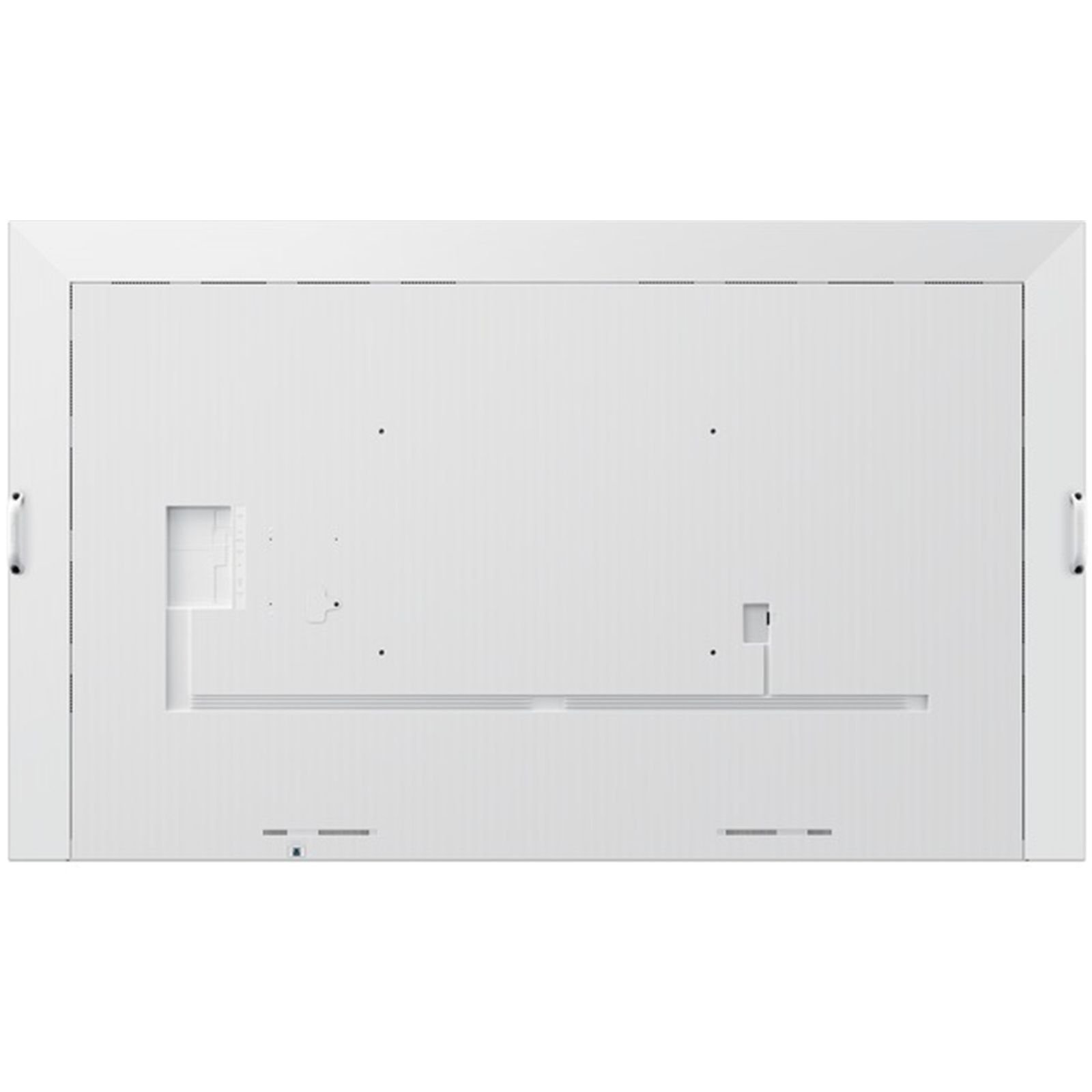
VESA Mount
600 x 400 mm
Bezel Colour
Gray White
Frame Material
Non-Glossy(Plastic)
Optional Feature
Touch
Yes
Mount
Yes
SoC
OS Version
Tizen 9.0
Flash Memory Size
64GB
Touch
Touch Technology
IR
Certification and Compliance
EMC
Class A FCC (USA) Part 15, Subpart B KCC/EK (Korea) Tuner : KN32 / KN35 Tunerless : KN32 / KN35 CE (Europe) EN55032 : 2012 or 2015 EN55024:2010 or EN 55035:2017 VCCI (Japan) VCCI CISPR32:2016 CCC(China) GB/T9254-2008 GB17625.1-2012 BSMI (Taiwan) CNS13438 ( ITE EMI ) CNS14336-1 ( ITE Safety ) CNS15663 (RoHS) C-Tick (Australia) AS/NZS CISPR32:2015 GOST(Russia/CIS) ROCT CISPR 24-2013 ROCT CISPR 22:2005
Safety
CB (Europe) : IEC60950-1/EN60950-1CCC (China) : GB4943.1-2011PSB (Singapore ) : PSB+IEC60950-1NOM (Mexico ) : NOM-001-SCFI-1993IRAM (Argentina ) : IRAM+IEC60950-1SASO (Saudi Arabia ) : SASO+IEC60950-1BIS(India) : IEC60950-1 / IS13252NOM(Mexico) : Tuner : NOM-001-SCFI-1993 Tunerless : NOM-019-SCFI-1998KC(Korea) : K 60950-1EAC(Russia) : EAC+IEC60950-1INMETRO(Brazil) : INMETRO+IEC60950-1BSMI(Taiwan) : BSMI+IEC60950-1RCM(Australia) : IEC60950-1/AS/NZS 60950-1UL(USA) : cUL60950


